Develop
You have studied, explored and ideated. Now we build and present. Follow Aria as she turns her pilot into a proof and pitches it, then your team turns its three reports into one finished deck, brings it to life with a portrait of you as the user of your own solution, and posts it for the others to see. Every hub is numbered, so your organization can choose which ones to run.
Building the Proof
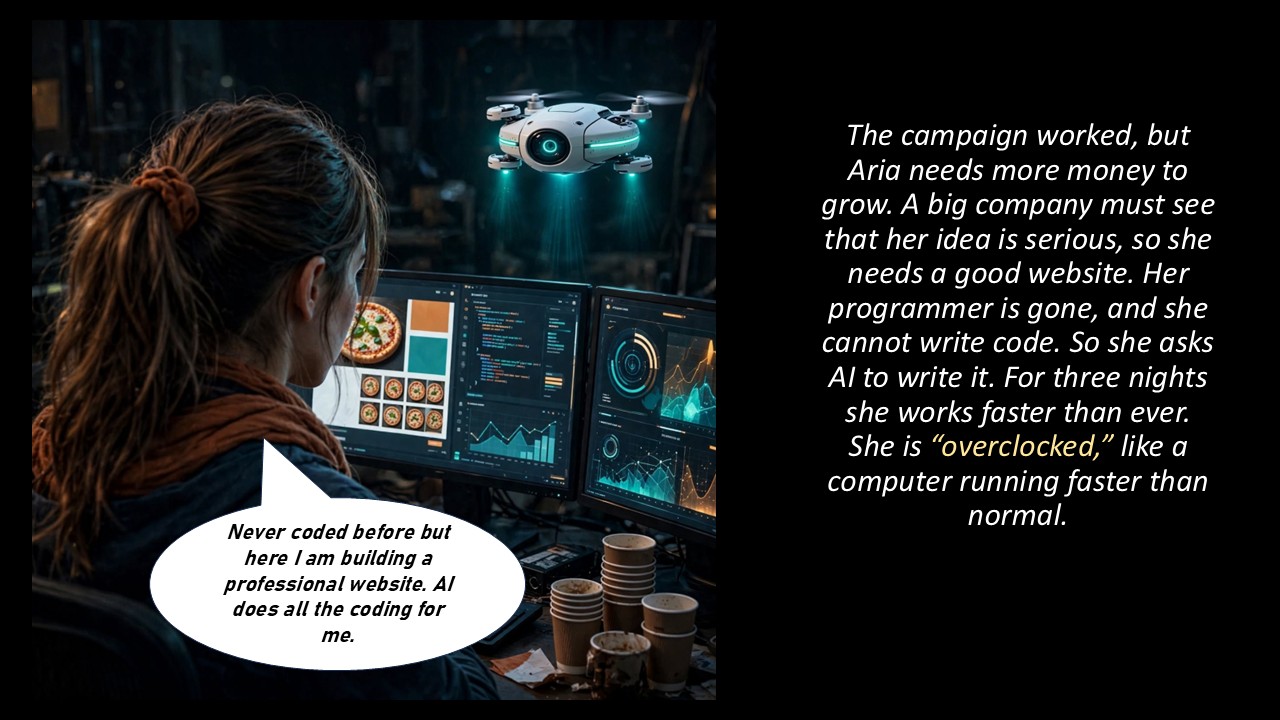
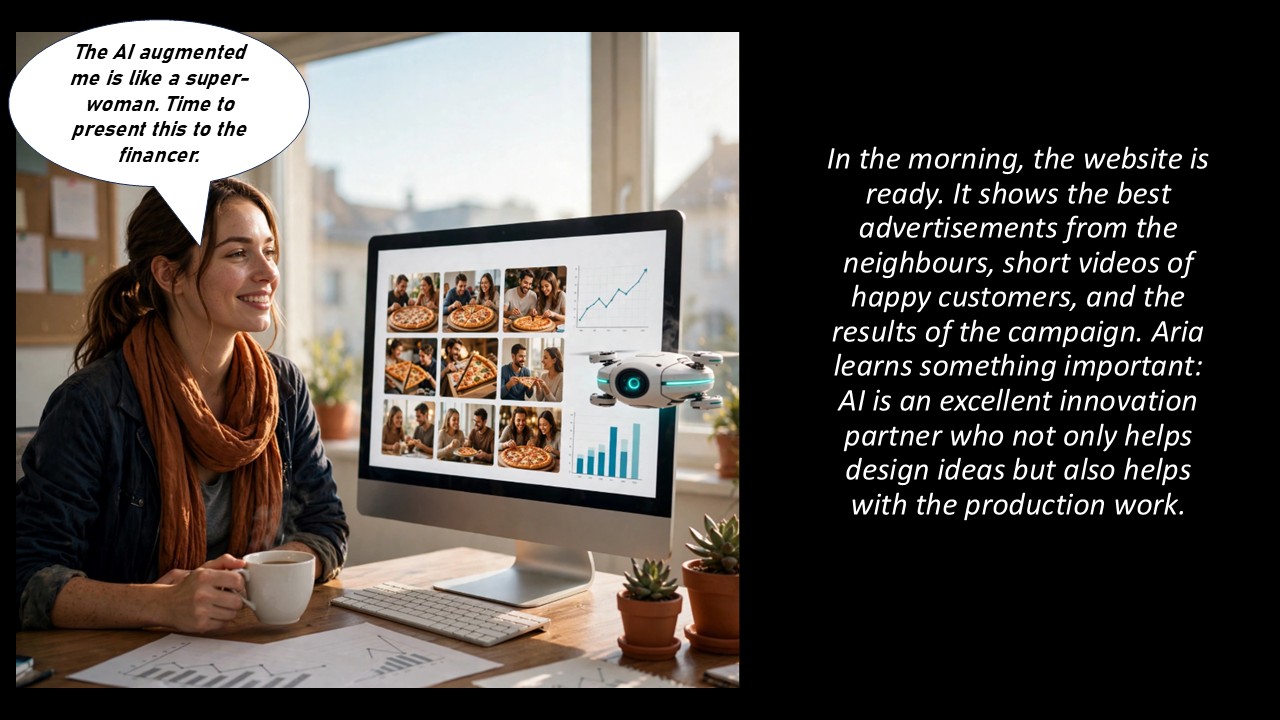
The campaign worked, but Aria needs funding, so she needs a serious website. With no programmer, she has AI write the code over three overclocked nights, and by morning the proof is live.
 assets/develop/develop-scene7-a.jpg
 assets/develop/develop-scene7-b.jpg
The Pitch
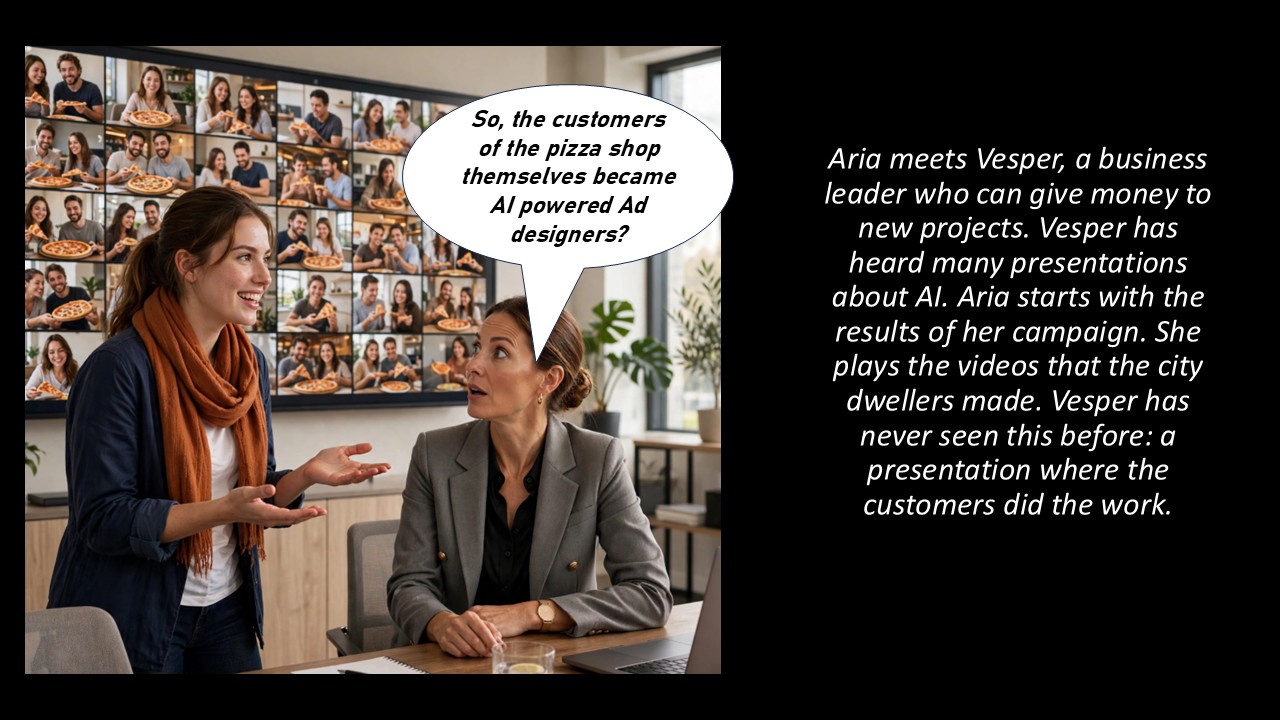
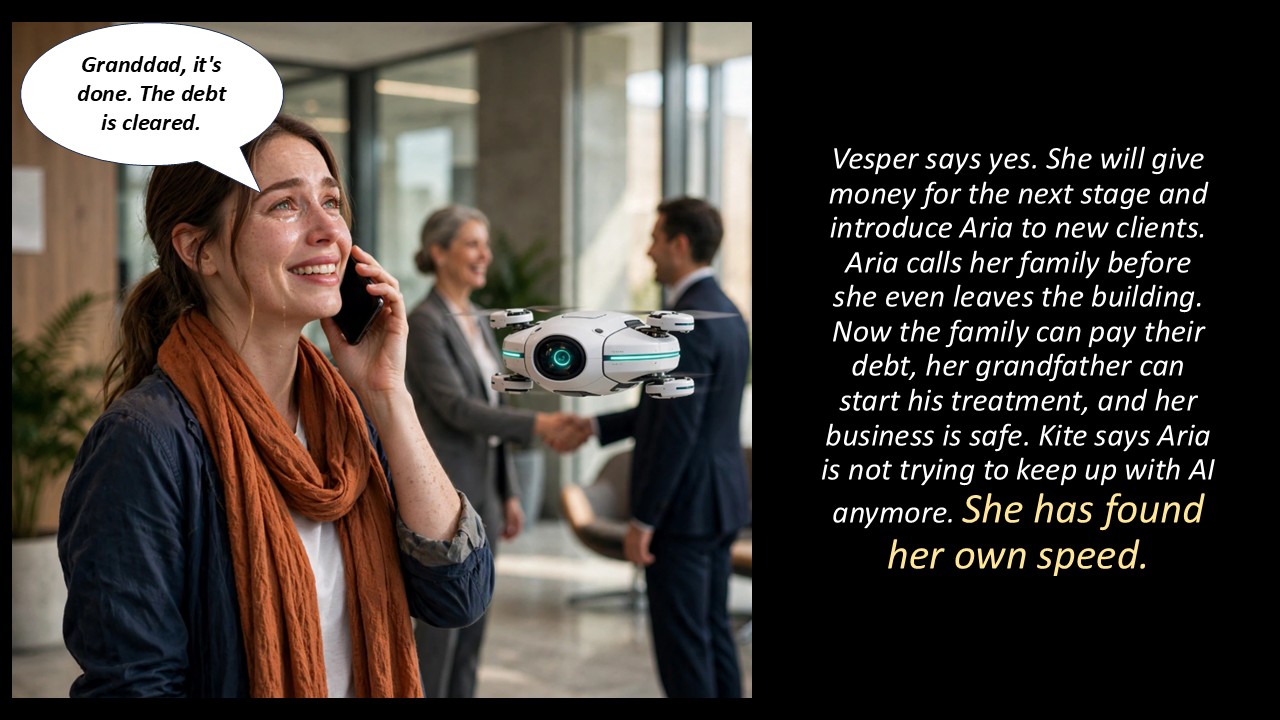
Aria opens her pitch to Vesper with the neighbours' own videos: a presentation where the customers did the work. Vesper says yes, and Aria has found her own speed.
 assets/develop/develop-scene8-a.jpg
 assets/develop/develop-scene8-b.jpg
 assets/develop/develop-presentation.jpg
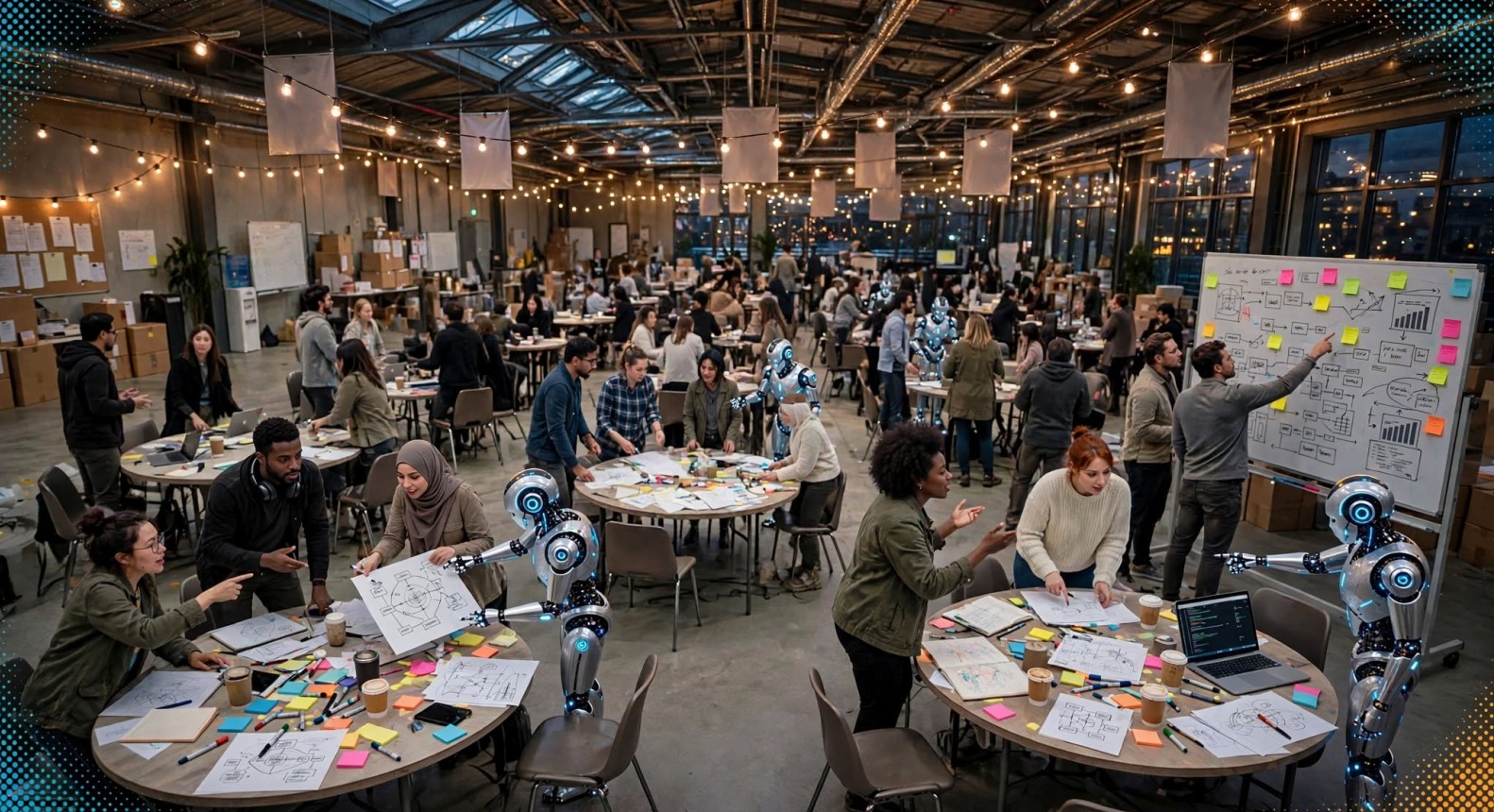
Aria pitched her proof to Vesper. Your team pitches one deck, built from your three reports.
- The captain pastes the team's three reports (Study, Explore and Ideate) into the prompt. It accepts whatever exists.
- Your AI picks the strongest solution and returns a 10-slide text deck, with text-to-image prompts for the three or four slides that most need a visual, and five short testimonial stories about people using your solution.
- The captain shares the deck and stories with the team. Each teammate picks the user they will play. Say "five more stories" in the same chat for another five.
The testimonial stories are illustrative scenarios, not real customers. The prompt tells your AI not to invent statistics.
 assets/develop/develop-theater.jpg
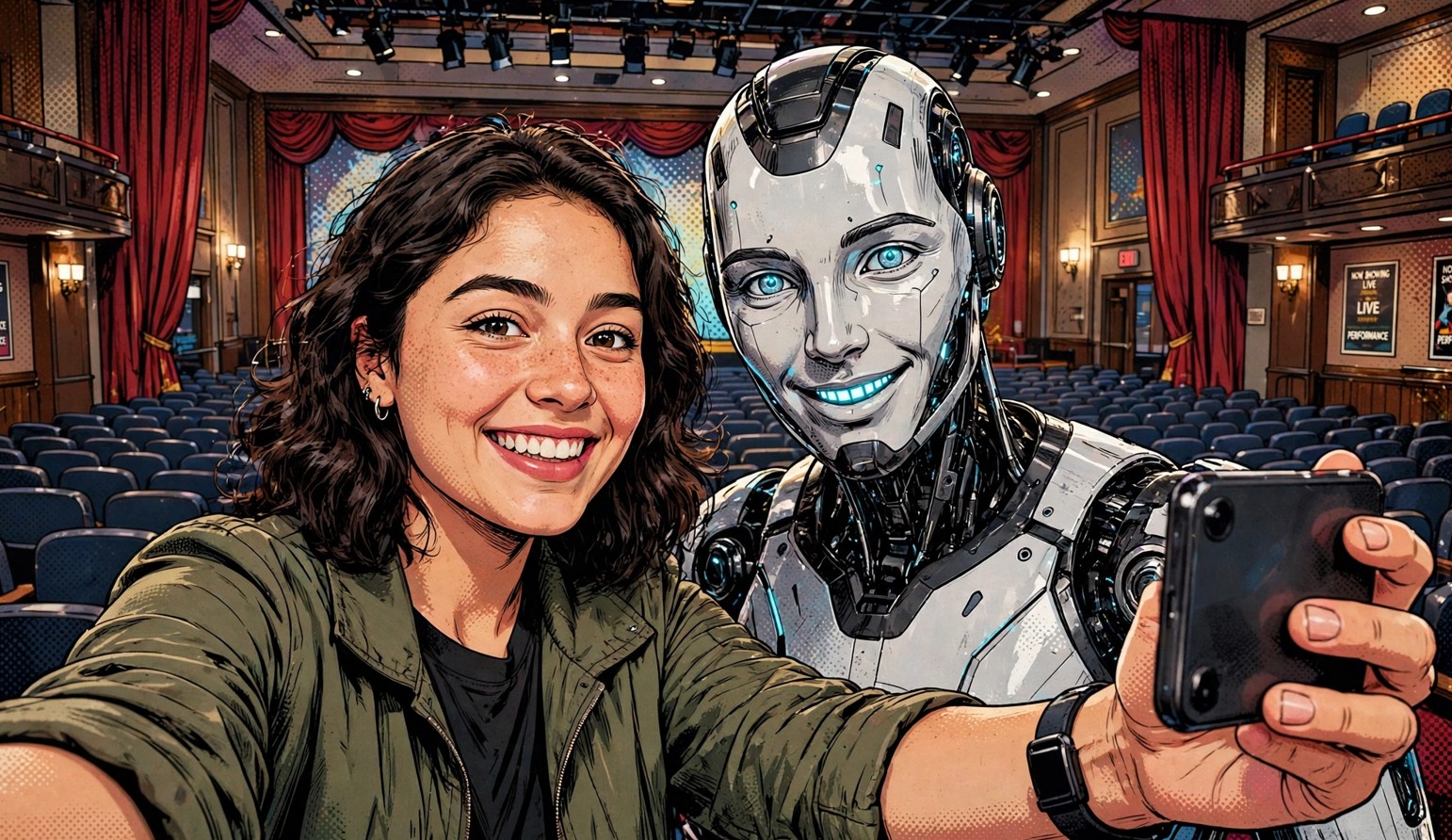
In the story, the customers starred in the ads. Now you star in the story of your own solution.
- Open your AI and paste the prompt. It gives you selfie tips.
- Attach your selfie and the testimonial story you chose, with a two-line summary of your solution.
- Your AI creates a portrait of you as the user in that story.
- Place the portrait on the left of a slide and the story on the right, save it as a JPEG and send it to your captain.
This hub needs an AI that can create images from a photo. If yours can't, the prompt gives you a text-to-image prompt to use in another tool instead.
Use only your own selfie. Schools and younger users: follow your supervisor's guidance on photos and on AI tool age limits.
Aria's pitch ended with a yes. Your team's ends with a finished deck, posted for everyone to see.
- Teammates use the text-to-image prompts to generate visuals for the three or four slides that need them (more if time allows) and pick the best ones.
- The captain compiles 15 slides: your 10 solution slides plus the 5 testimonial slides, each a portrait and a story.
- Teammates suggest edits, and the captain makes the final changes.
- The captain shares the final deck with every teammate and posts it to the Solution Hub channel on Discord.